How Much RAM Do You Need in 2026?8GB vs 16GB vs 32GB — a direct answer for every use case
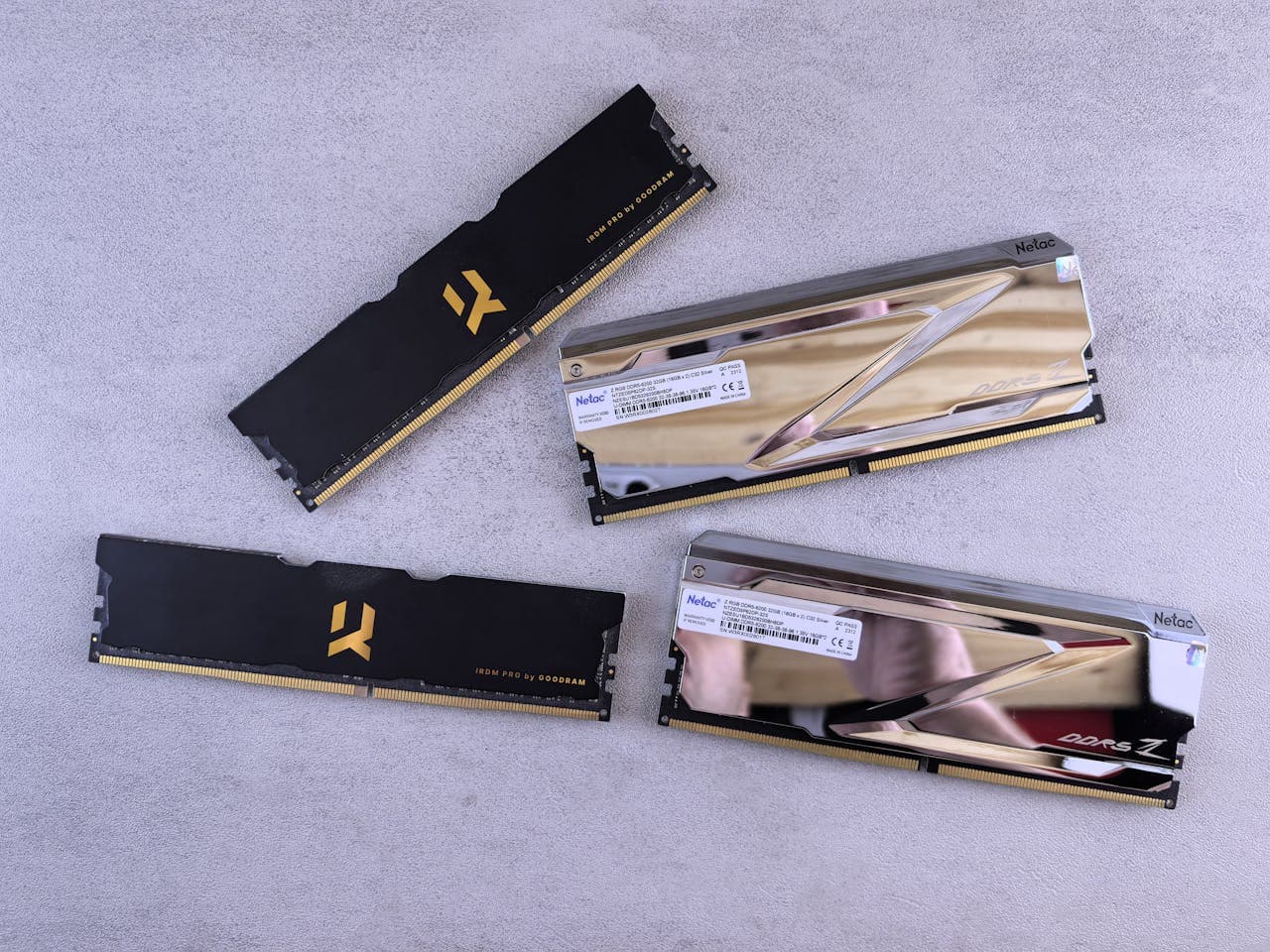
There's a moment most people hit when they're at 8GB of RAM — you click back to a browser tab you had open twenty minutes ago and it reloads from scratch, losing your scroll position and whatever you were reading. It happens every time. You've learned to work around it. What you probably haven't done is connect that specific annoyance to the number in your Task Manager. Going from 8GB to 16GB fixes it immediately, completely, and permanently. The tab just stays there, exactly where you left it.
The question of how much RAM you need comes down to one thing: are you hitting the ceiling of what you have? Below, I've broken down each tier — 8GB, 16GB, 32GB, and 64GB — with specific use cases, real utilization numbers, and a straight answer on whether it's worth upgrading.
What This Guide Covers
1. Quick Answer
| Amount | Best For | Verdict |
|---|---|---|
| 8GB | Very light use only (email, basic web, Office) | Fine for constrained budgets — bottlenecks everywhere else |
| 16GB | Most users — everyday use, gaming, multitasking | The right answer for the vast majority of people |
| 32GB | Gamers, streamers, video editors, heavy multitaskers | Worth it if you've outgrown 16GB or you're buying new |
| 64GB+ | VMs, large codebase compilation, professional video | Overkill for almost everyone reading this |
2. Is 8GB RAM Enough in 2026?
I'd tell someone buying a new PC today: don't do it. 8GB was a reasonable minimum in 2020. In 2026, Windows 11 alone — just the OS, nothing else open — regularly consumes 3–4GB on a fresh boot. Add a Chrome profile with a handful of tabs, and you're already at 6–7GB. Add Discord or Spotify, and you've hit the ceiling. Task Manager will show 85–95% memory utilization during what should be ordinary use.
The symptom isn't a crash. It's the tab-reload problem I described above, combined with a quarter-second freeze every time you switch applications. The PC isn't broken — it's constantly swapping data to your SSD because it doesn't have enough RAM to hold everything at once. On an NVMe drive that swap is fast enough to obscure itself, which is why people tolerate 8GB longer than they should.
8GB is still fine for Chromebooks, tablets, and thin laptops used only for email, light documents, and video streaming with minimal multitasking. For a Windows desktop or a laptop doing anything more than that — including light gaming — it's a real, noticeable constraint.
3. Is 16GB RAM Enough?
For most people, yes — and by a comfortable margin. With 16GB, the same machine that was crawling at 8GB will typically sit at 50–60% utilization under normal multitasking. That's the difference between a PC under continuous pressure and one that has room to breathe. Tabs stay loaded. Applications switch instantly. Games load without the half-second stutter that happens when the system has to flush data to make space.
For gaming specifically, 16GB has been the comfortable ceiling for everything I've tested in 2026 — standard AAA titles alongside Discord and a browser tab sit at 55–65% total utilization. You're not leaving performance on the table at 16GB for any standard gaming setup. The exceptions are simulation-heavy titles (Microsoft Flight Simulator, Cities: Skylines with large mod lists) that can push past 12GB on their own — for those, 32GB removes the ceiling entirely.
My recommendation for anyone buying new today: 16GB is the minimum worth buying, and it'll comfortably serve most users for three to five years.
4. Is 32GB RAM Worth It?
I'd only recommend 32GB in three situations: you stream games on Twitch while playing (OBS uses 2–4GB on its own), you edit video regularly, or you're building a system and want headroom for the next five years at current prices. Outside those three, 16GB won't hold you back.
For 4K video editing in Premiere Pro or DaVinci Resolve, 32GB is the practical starting point. Large project timelines with multiple high-resolution clips loaded into the preview buffer can consume 20GB+ of RAM, and running short causes dropped frames in playback and export slowdowns that aren't GPU-related at all. Professional workstations often run 64GB or more for exactly this reason.
If you're building new and your board supports DDR5, just buy 32GB DDR5. At current prices the case for 16GB over 32GB is a $30–$40 difference — not worth the trade-off on a build you'll run for years.
If you're a standard gamer or general user who's not doing any of the above, 32GB won't produce a noticeable improvement over 16GB. The RAM will sit mostly idle. Save the money and put it toward a better GPU or storage.
5. What About 64GB?
64GB is a workstation-class spec, not a consumer one. The use cases are narrow: running multiple virtual machines simultaneously, compiling large codebases where the whole repo needs to stay in memory, or working with uncompressed 4K/8K video at a professional level. If you're in one of those categories, you already know it — your current machine is hitting limits that are obvious and specific. If you're not sure whether you need 64GB, you don't need 64GB.
6. Is More RAM Always Better?
No — and this is the most important thing to understand about RAM. It doesn't work like a processor, where more speed always produces some improvement. RAM follows a point-of-sufficiency model: below the threshold, everything suffers. At the threshold, everything works. Above the threshold, nothing changes.
Going from 8GB to 16GB is transformative if you were bottlenecked — I've seen systems go from 93% utilization sitting at idle to a comfortable 52% after the upgrade. The entire feel of the machine changes. Going from 16GB to 32GB is meaningful if you're a gamer or creative professional hitting the ceiling, and irrelevant if you're not. Going from 32GB to 64GB will change nothing for anyone outside a very specific set of professional workloads.
The question to ask before upgrading RAM isn't "would more be better?" — it's "am I actually hitting the limit of what I have?" Open Task Manager (Ctrl+Shift+Esc), go to the Performance tab, and click Memory. If you're sitting at 85% or above during normal use with nothing unusual open, upgrading will help significantly. If you're sitting at 50–60%, it won't.
7. RAM Pricing in 2026 — DDR4 vs DDR5
DDR4 and DDR5 are not interchangeable — your motherboard uses one or the other, and you have to buy the right type. The good news is that both are reasonably priced right now. A 16GB DDR4-3200 kit (2×8GB) runs about $35–$50. A 32GB DDR4-3200 kit (2×16GB) is around $55–$75. DDR5 has come down significantly from its early premium: a 32GB DDR5-6000 kit (2×16GB) is in the $85–$110 range. For current pricing, Newegg's desktop RAM listings are the most reliable real-time check — sort by price and filter by DDR generation.
If you're on a newer platform that supports DDR5 and you're buying new RAM, there's no reason to settle for less than DDR5-6000 at current prices. The performance difference over DDR5-4800 is real — DDR5-6000 shows measurable gains in memory-bandwidth-sensitive titles: Starfield and Cyberpunk 2077 both show 5–8% FPS improvement over DDR5-4800 in CPU-limited scenarios — and the price gap has narrowed to a $20–$30 premium over DDR5-4800 kits at current pricing, which is worth it.
DDR4 and DDR5 use different physical slots
You cannot install DDR5 RAM in a DDR4 motherboard or vice versa. Before buying anything, confirm which generation your board supports — check your motherboard's product page or run CPU-Z and look at the Memory tab. Buying the wrong type means it physically won't fit.
8. How to Check How Much RAM You Have Right Now
Before deciding whether to upgrade, check what you're working with. Press Ctrl+Shift+Esc to open Task Manager, click the Performance tab, and select Memory. You'll see your total installed RAM, how much is currently in use, and your RAM's speed. The "In Use" number during normal, everyday work is the number that matters — if it's consistently above 85%, you're a genuine upgrade candidate.
You can also check total installed RAM in Settings → System → About, where it appears under "Installed RAM." For more detail — including how many slots are populated, whether you're running dual-channel, and what speed your RAM is actually running at — CPU-Z (free at cpuid.com) shows all of this in its Memory and SPD tabs.
One thing worth checking while you're in there: whether XMP or EXPO is enabled in your BIOS. Many systems ship with RAM running below its rated speed. A DDR5-6000 kit running at DDR5-4800 is leaving real performance on the table — enabling XMP/EXPO takes two minutes in BIOS and costs nothing. AMD maintains its EXPO-certified memory compatibility information at amd.com/expo and Intel's XMP-certified kit list is at intel.com/xmp — cross-referencing your board against these before buying prevents compatibility surprises. For the full compatibility picture before buying, the RAM upgrade guide covers slot checks, dual-channel configuration, and what to avoid when mixing kits.
9. Common Mistakes When Buying RAM
Mistake 1: Buying more RAM when the disk is the actual problem
A mechanical hard drive running at 100% utilization produces almost identical symptoms to an 8GB RAM bottleneck — slow app launches, freezes, stutters when switching tasks. The fix is completely different. If you're still on an HDD, upgrading to an SSD will do far more for your daily experience than doubling your RAM. Check the Disk tab in Task Manager before assuming RAM is the problem.
Mistake 2: Buying DDR5 RAM for a DDR4 board
I've seen this happen more than once — someone buys a DDR5 kit because it's faster, then discovers it won't physically seat in their motherboard. DDR4 and DDR5 sticks have different notch positions precisely to prevent this, but the packaging doesn't always make the incompatibility obvious. Always verify your motherboard's supported memory type before ordering.
Mistake 3: Adding a single stick to an existing one
Going from one 8GB stick to 8GB + 16GB = 24GB sounds sensible on paper. In practice, mixing different capacities (and often different speeds or latencies) can cause instability, and — more importantly — you lose dual-channel mode if the sticks aren't in the right configuration. The right move is always to buy a matched 2-stick kit and populate the A2 and B2 slots. Dual-channel alone can provide a 10–15% improvement in memory-bandwidth-sensitive workloads.
Mistake 4: Upgrading RAM when the real bottleneck is the GPU
Low FPS in games is almost never a RAM problem — it's almost always a GPU problem, or occasionally CPU. If your gaming performance is the issue, open Task Manager during gameplay and look at the GPU utilization. If it's at 95–100%, more RAM won't help. The GPU is the ceiling, not system memory. The one exception is games that stutter when entering new areas but run fine otherwise — that specific symptom can point to system RAM running short during asset streaming.
Frequently Asked Questions
Is 8GB RAM enough for Windows 11 in 2026?
Technically yes — Windows 11 boots on 4GB. But in practice, 8GB means running at 85–95% utilization during normal use. Open Chrome with a dozen tabs, add Discord and Spotify, and you're already paging to disk. 16GB is the real minimum for a comfortable Windows 11 experience in 2026.
Is 16GB RAM enough for gaming?
Yes, for most games. 16GB handles the vast majority of AAA titles alongside Discord and a browser tab without issue. The exceptions are simulation-heavy titles like Microsoft Flight Simulator or heavily modded Skyrim — for those, 32GB removes any risk of stutters when loading new areas.
Does more RAM make a PC faster?
Only if you were running short. RAM doesn't increase processing speed — it removes a specific bottleneck. If you're at 90%+ utilization regularly, upgrading will make your PC feel significantly more responsive. If you're sitting at 50% utilization on 16GB, buying 32GB will change nothing.
Is more RAM always better?
No. RAM follows a point-of-sufficiency model. Going from 8GB to 16GB is transformative if you were bottlenecked. Going from 16GB to 32GB is meaningful for gamers and creative work. Going from 32GB to 64GB will produce zero difference for anyone who isn't running virtual machines, compiling large codebases, or working with professional video.
Should I buy DDR4 or DDR5 RAM?
Buy whatever your motherboard supports — you cannot mix them. DDR4 and DDR5 use different physical slots. AM5 boards are DDR5 only. Intel 12th-gen boards came in both DDR4 and DDR5 variants — check your board's spec page to confirm. 13th gen and newer Intel platforms are almost exclusively DDR5. Run CPU-Z if you're unsure.
What to Read Next
- RAM Upgrade Guide — covers DDR4 vs DDR5 identification, dual-channel slot configuration, XMP/EXPO setup, and what to check before buying a kit.
- What Does Upgrading RAM Actually Do? — a concrete, scenario-by-scenario description of what changes in day-to-day use after a RAM upgrade.
- RAM or SSD — Which Should You Upgrade First? — if you're deciding between the two, this guide walks through the Task Manager diagnostic that makes the right choice obvious.
- What to Upgrade First on Your PC — if you're not sure RAM is the right upgrade at all, this covers the full symptom-to-answer breakdown.
- PC Upgrade Path Overview — the full upgrade order and the reasoning behind it.
- Is now even a good time to buy RAM? → — Before you decide how much RAM to buy, here's whether 2026's price crisis means you should wait.