How to Upgrade Your PC for GamingWhat to Upgrade First — and Why the Order Is Different for Gamers
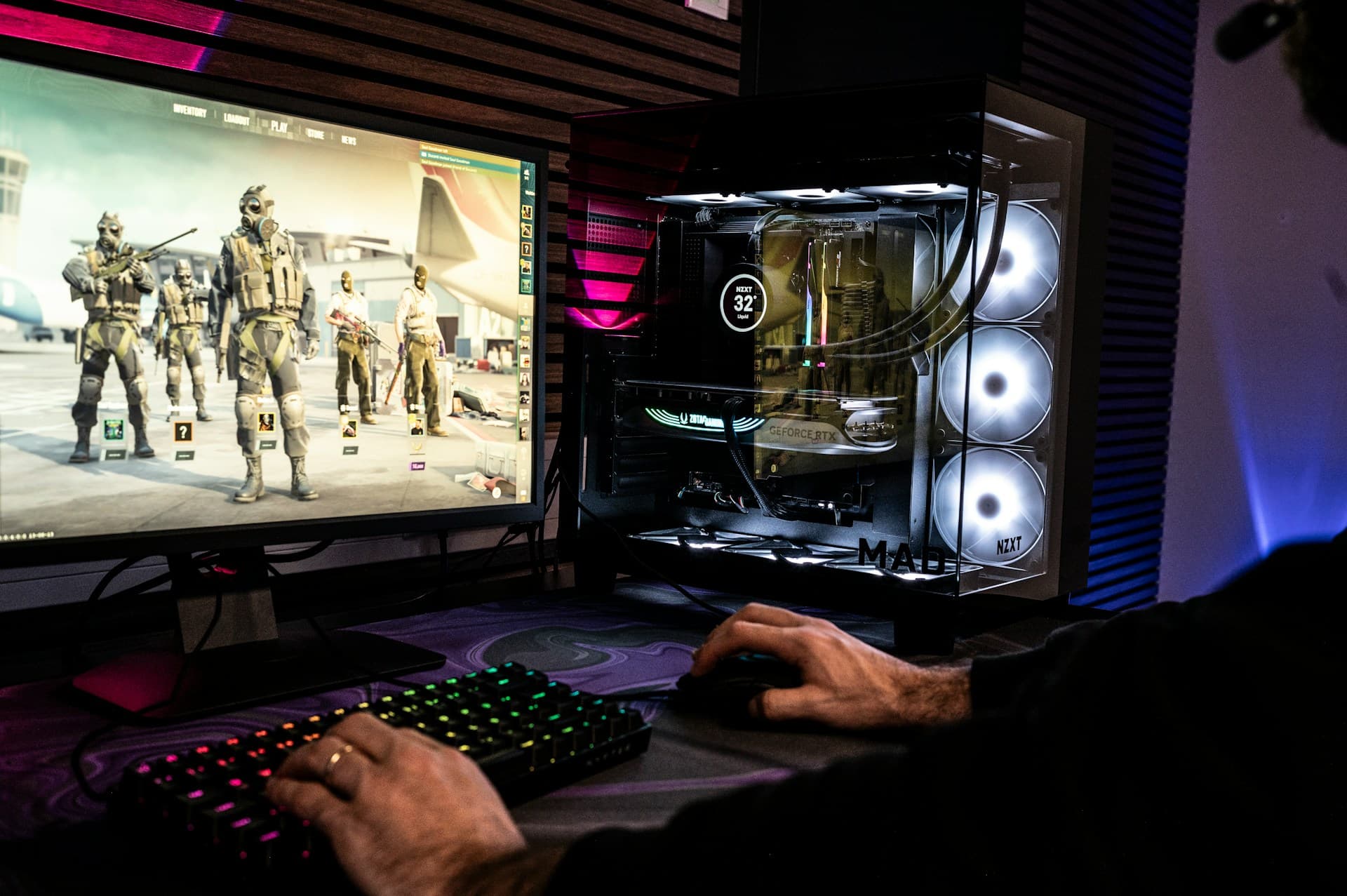
Every general PC upgrade guide will tell you to start with an SSD. For gaming, that advice is wrong. An SSD will not give you a single extra frame per second. It'll make your games load faster — but if your GPU is four years old, you're leaving 40% of your potential FPS on the table while your game loads beautifully quickly into a choppy mess.
Gaming flips the upgrade order. The logic that works for a general office PC — storage first, RAM second, GPU last — inverts completely once frame rate becomes the metric that matters. This guide explains the correct priority order for gaming specifically, why resolution changes the whole equation, and how to confirm which component is actually holding your system back before spending anything.
What This Guide Covers
1. Why Gaming Breaks the Normal Upgrade Rules
For a general-use PC, an SSD genuinely is the best first upgrade. It speeds up every single task — booting Windows, opening apps, loading files. The improvement is felt instantly and it affects everything you do on the machine. That logic is sound when "performance" means overall system responsiveness.
For gaming, "performance" means one thing: frames per second. And frame rate is almost entirely determined by your graphics card, not your storage. The GPU renders every frame — it's calculating lighting, shadows, textures, and geometry dozens or hundreds of times per second. Once you're inside a game session, the SSD is mostly idle. It loaded the game into RAM and VRAM when you launched; now it's waiting. Your GPU is the one working at 95–100% capacity.
This matters because I've watched people spend $150 on an NVMe upgrade specifically because their games were running at 40 FPS, and then wonder why nothing changed. The FPS didn't change because storage wasn't the bottleneck — the GPU was. The games loaded in 8 seconds instead of 12, and that was the only difference. If your problem is low frame rates, the storage drive is almost certainly not why.
2. Resolution Changes the Calculus
Your monitor resolution is the single biggest variable in deciding whether to upgrade GPU or CPU first — and most upgrade guides don't explain why.
At 4K (3840×2160), the GPU is doing an enormous amount of work — roughly four times as many pixels as 1080p. The CPU's job (sending draw calls, handling game logic, feeding the GPU with data) is the same regardless of resolution. At 4K, the GPU almost always hits 95–100% utilization before the CPU breaks a sweat. CPU bottlenecks at 4K are rare. GPU upgrade first, every time.
At 1440p (2560×1440), the GPU still dominates, but the balance is closer. A fast CPU produces real FPS gains at 1440p in CPU-heavy open-world games — the difference between a Ryzen 5 5600X and a 7800X3D in Cyberpunk at 1440p is roughly 10–15% depending on the scene. For most gamers, 1440p is where GPU-first still applies, but it's also the resolution where a CPU bottleneck becomes possible with a high-end GPU.
At 1080p (1920×1080) — which is where I see the most confused upgrade decisions — the equation shifts most. Because the GPU has fewer pixels to render, it finishes its work faster — and the CPU's job of feeding it data and instructions becomes the limiting factor more often. This is especially true at high refresh rates (144Hz, 240Hz). Running CS2 at 300+ FPS on a 240Hz monitor? Your GPU might be fine; your CPU might be the ceiling. At 1080p with a modern GPU, a CPU or RAM upgrade can produce more FPS than another GPU tier jump.
The practical rule: 1440p or 4K → GPU first. 1080p at high refresh rates → check CPU utilization before assuming GPU.
3. Gaming Upgrade Priority Order
For most gamers, this is the correct order — from highest to lowest FPS impact:
| Priority | Component | Why |
|---|---|---|
| 1st | GPU | Renders every frame. Direct FPS impact at any resolution. |
| 2nd | CPU | Feeds the GPU. Matters most at 1080p and high refresh rates. |
| 3rd | RAM | Below 16GB, stutters appear regardless of GPU quality. |
| 4th | SSD | Load times only. Zero FPS impact once in-session. |
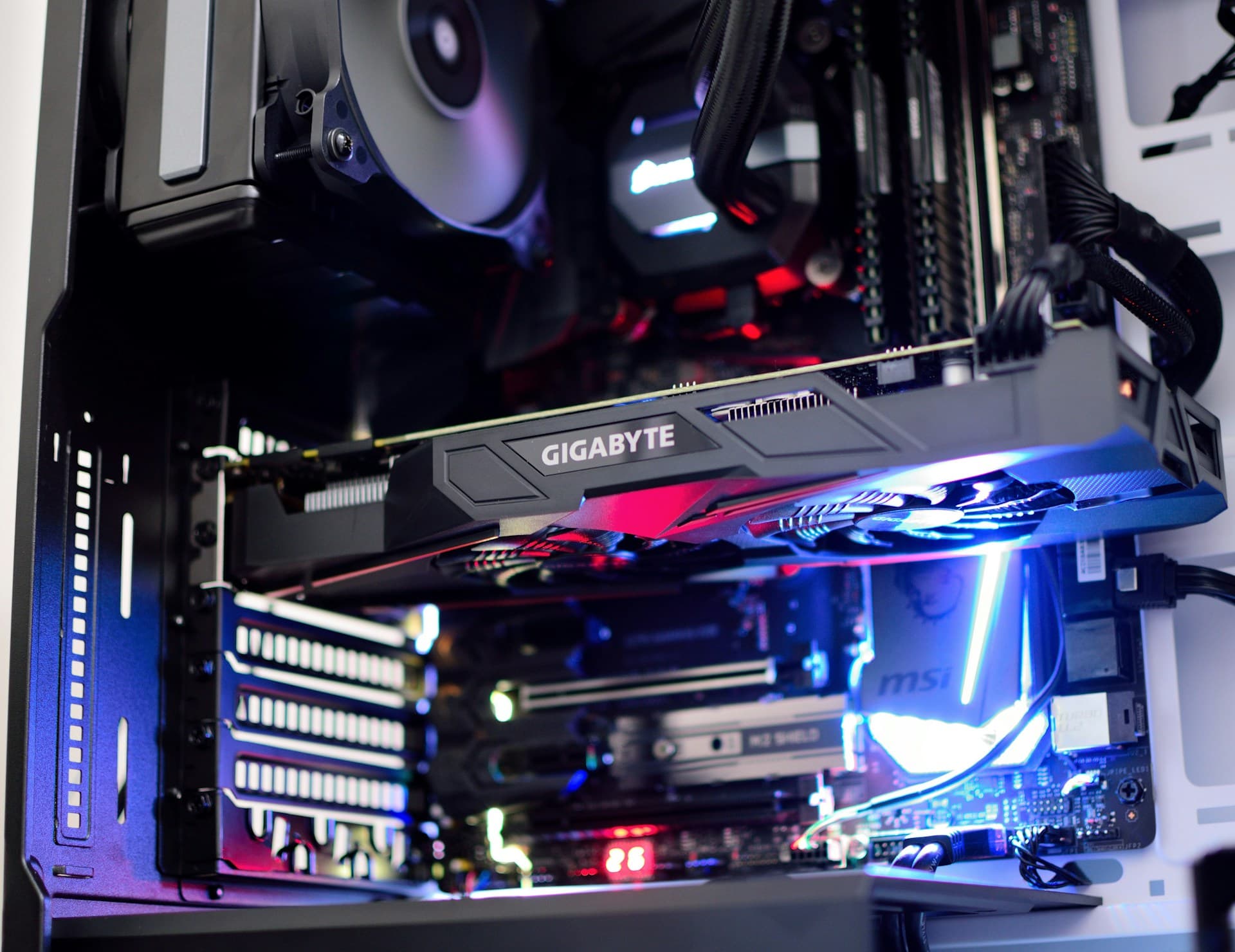
The GPU comes first, and if I had to explain this order to someone who'd just bought a new SSD hoping for more FPS, this is what I'd say: the GPU is the component that directly produces your frames. A faster GPU means more frames. A faster SSD does not. To put a number on it: moving from an RTX 3060 to an RTX 4070 at 1440p in Cyberpunk 2077 is roughly a 60% FPS increase — from around 50 FPS to around 80 FPS at High settings. Moving from a SATA SSD to NVMe on the same system produces a 2-second faster load screen.
The CPU comes second because it determines how efficiently data gets sent to the GPU — underpowered CPUs create a bottleneck where the GPU sits partially idle waiting for instructions, especially in CPU-heavy titles and at high refresh rates.
RAM sits third with a hard floor attached to it. Below 16GB in 2026, you'll see stutters that can look like a GPU problem but aren't — the system is paging game data to storage because it ran out of RAM. This is one of the most misdiagnosed issues in gaming. If you're below 16GB, fix that before anything else regardless of where it falls in the priority order.
If you're on a budget and can only do one thing: sell the old GPU before buying new RAM.
For more on choosing a specific GPU — VRAM by resolution, PSU requirements, and the AMD vs NVIDIA decision in 2026 — the GPU upgrade guide covers all of that. Tom's Hardware also maintains a GPU hierarchy chart that ranks cards by performance tier.
One more variable worth naming before you buy anything: if your GPU supports DLSS 4 (Nvidia RTX 40/50-series) or FSR 4 (AMD RX 9000-series), you may be able to recover significant FPS without any hardware upgrade at all. Enable it in game settings before concluding you need new hardware — multi-frame generation in DLSS 4 can double reported frame rates in supported titles, which changes the priority calculus entirely.
4. The RAM Floor for Gaming in 2026
RAM sits third on the priority list, but there's a threshold below which the ordering doesn't matter — if you're under it, fix it first.
8GB is no longer enough for gaming. Modern AAA titles are actively using 12–14GB of system RAM during gameplay. Cyberpunk 2077 at high settings pulls around 14GB (Digital Foundry and Tom's Hardware's Cyberpunk 2077 benchmarks both corroborate this range in their 2025–2026 testing). Elden Ring hovers around 12GB. Add Windows in the background at 3–4GB, Discord at 300MB, and a browser tab you didn't close, and 8GB is in constant overflow — the system is writing game data to your SSD as virtual memory because RAM ran out. Even a fast NVMe SSD is 10× slower than RAM, so this causes the half-second stutters that appear randomly mid-session.
16GB is the minimum that works. You'll be comfortable with most games, though open-world titles will occasionally push the ceiling, especially with other apps open. If you're currently at 8GB, upgrading to 16GB will often feel more impactful than a mid-tier GPU upgrade — because the GPU was never the bottleneck; the RAM running dry and paging to disk was.
32GB is the comfortable target for 2026. At 32GB, no current game or typical gaming session will push you into overflow. It's also where you want to be for open-world games with large streaming areas (GTA VI, Microsoft Flight Simulator) where fast RAM access directly reduces area-load stutters.
One more thing before you order anything: check whether XMP or EXPO is enabled in your BIOS. Most systems ship with RAM running at a slow default speed — DDR5-6000 defaulting to DDR5-4800 is common. Enabling XMP (Intel) or EXPO (AMD) in the BIOS is free and takes two minutes. It can produce a 10–15% gain in CPU-bound scenarios, which translates directly to FPS in competitive titles. Do this before spending anything on hardware. See the RAM upgrade guide for step-by-step instructions.
5. Competitive Gaming vs AAA Gaming — Two Different Priority Systems
"Gaming" covers two very different workloads, and the upgrade priority differs meaningfully between them.
Competitive esports — CS2, Valorant, Fortnite, Apex Legends — these games are designed to run at very high frame rates (200–400+ FPS) on a wide range of hardware. The GPU handles less work at these frame rates because the games use simpler rendering pipelines. At 300 FPS, the CPU is actually the primary constraint — it has to send hundreds of draw calls per second to feed that frame rate. Fast, high-clock-speed CPUs with XMP-enabled RAM (DDR5-6000 on AM5, for example) produce the most meaningful gains here. Buying a top-tier GPU for CS2 at 1080p is often the wrong call if the CPU and RAM are holding you to 180 FPS on a 240Hz monitor.
AAA single-player and open-world games — Cyberpunk 2077, Elden Ring, GTA VI, Flight Simulator — these push the GPU hard with complex lighting, high polygon counts, ray tracing, and large streaming environments. At 1440p or 4K, the GPU is almost always the bottleneck. The CPU handles NPC pathfinding, physics, and world streaming — a faster CPU reduces the micro-stutters that appear in dense city areas even when GPU usage is normal. But GPU is the upgrade that moves the FPS needle the most. For open-world titles specifically, 32GB RAM and a fast NVMe SSD reduce texture pop-in and area-load stutters because the game streams asset data constantly.
My general recommendation: if you play a mix of both, prioritize GPU — it helps AAA games the most and still helps competitive games. Only shift CPU priority above GPU if you're exclusively playing competitive titles at 1080p on a high-refresh monitor and your GPU utilization is already below 75% during gameplay.
6. The Bottleneck Check — Confirm Before You Spend
Don't spend anything until you've run this check. It takes 15 minutes and tells you exactly which component to buy.
Download MSI Afterburner (free) and install it alongside RivaTuner Statistics Server, which installs automatically with it. Open Afterburner, go to Settings → Monitoring, and enable GPU Usage, CPU Usage, VRAM Usage, and Frametime for on-screen display. Launch your most demanding game, play a scene you normally find choppy for at least 10 minutes, and note the numbers.
GPU at 95–100%, CPU below 80% means you have a GPU bottleneck. The graphics card is producing every frame it possibly can and still can't hit the FPS you want. A GPU upgrade will directly increase frame rate. This is the most common scenario for gamers at 1440p and 4K.
CPU at 90–100%, GPU below 70% means the CPU is limiting the GPU. The graphics card is waiting for instructions instead of rendering. This happens most often in competitive titles at high frame rates, 1080p gaming with a fast GPU, and simulation games. Before concluding you need a CPU upgrade, check temperatures — a CPU throttling at 95°C will show 100% utilization and look like a bottleneck when it's actually just overheating. Download HWMonitor and check the CPU max temperature during gameplay. Above 95°C — clean dust and consider reapplying thermal paste before buying anything.
Both below 80% but FPS still low — check VRAM usage in the Afterburner overlay. If VRAM is maxed (common at 1440p with an older 8GB card), the GPU is overflowing texture data onto system RAM, causing stutters that don't show up as high GPU utilization. Also check temperatures for both CPU and GPU — thermal throttling reduces performance while showing normal utilization.
Run this check while the problem is happening
A common mistake is checking utilization during a menu screen or low-demand moment and concluding everything is fine. You need to read utilization during the exact scenario that feels bad — a demanding outdoor scene, a firefight, the specific section that drops to 40 FPS. That's when the actual bottleneck is visible.
7. When SSD Actually Matters for Gaming
SSD sits last on the gaming priority list, but it's not pointless — it has specific, real benefits. The key is understanding what it actually fixes.
If you're still gaming on an HDD: upgrade. The difference is significant and measurable. A game that took 90 seconds to load on a spinning drive loads in under 12 seconds on a SATA SSD and under 8 seconds on NVMe. The in-game experience during a session is similar, but the time you spend staring at loading screens drops dramatically. More importantly, older open-world games that stream data from disk during gameplay — some older titles still do this — can stutter constantly on an HDD.
If you're on a SATA SSD and considering NVMe: the real-world load time difference between SATA (~550 MB/s) and NVMe Gen 4 (~7,000 MB/s) in games is usually 2–4 seconds per load screen. Not nothing, but not transformative. For gaming alone, SATA SSD is sufficient. NVMe makes more difference in asset-heavy workflows like video editing.
Open-world texture pop-in is the one in-session benefit of faster storage. Games like Flight Simulator and GTA VI stream terrain and texture data continuously from disk. An NVMe SSD with fast random read speeds reduces the visible pop-in where objects appear blurry for a second before loading at full quality. This is a real benefit, but it only applies to a subset of titles. Most games load all needed assets into RAM and VRAM at level load; the disk then sits idle.
For GPU and RAM, the upgrade directly produces more frames. For SSD, the upgrade produces less time in menus. Both matter, but they're different things. Don't substitute one for the other.
8. Common Gaming Upgrade Mistakes
Mistake 1: Upgrading the SSD to fix low FPS
This is the most common mismatch I see. Someone's games are running at 35 FPS, they're frustrated, and an NVMe upgrade looks like a meaningful upgrade on paper. It is not, for FPS. Storage has no effect on frame rate during a game session. The money spent on an NVMe upgrade when the GPU is the bottleneck is completely wasted from an FPS perspective. Confirm what's actually at 95%+ utilization using Afterburner before buying anything.
Mistake 2: Buying a high-end GPU while still on 8GB RAM
A powerful GPU in a system with 8GB RAM will run into RAM overflow during demanding scenes — the game starts paging to disk and the result is stutters that look like the GPU is underperforming. The GPU is fine; the RAM is the ceiling. Pair any serious GPU upgrade with at least 16GB of RAM. If budget is tight, choose 16GB RAM first and a slightly less expensive GPU — the overall gaming experience will be better than the reverse.
Mistake 3: Ignoring the CPU when gaming at 1080p 144Hz+
At 1080p with a high refresh rate monitor, the GPU finishes rendering frames faster than at higher resolutions — and then waits for the CPU to send the next batch of draw calls. I've seen builds with a current-generation GPU hitting only 150 FPS in CS2 because an old 6-core CPU was the ceiling, not the graphics card. If you're gaming on a 240Hz monitor at 1080p and can't hit the frame rates you expect, check CPU utilization before assuming you need a GPU upgrade. The FPS troubleshooting guide walks through this diagnosis in detail.
Frequently Asked Questions
Should I upgrade GPU or CPU first for gaming?
In most cases, upgrade the GPU first. At 1440p and 4K, the GPU is responsible for almost all of your frame rate. CPU matters more at 1080p with high refresh rates (144Hz+) and in competitive esports titles. If you're playing AAA games at 1440p with an old GPU, a CPU upgrade will do almost nothing for your FPS. Confirm with MSI Afterburner before deciding.
Will upgrading my SSD give me more FPS in games?
No. An SSD upgrade will not increase your in-game frame rate. It reduces load times and can reduce texture pop-in in open-world games, but once you're inside a game session, storage speed has no effect on FPS. If your FPS is low, the bottleneck is almost always the GPU or CPU, not the drive.
Is 16GB RAM enough for gaming in 2026?
16GB is the minimum that works, but it gets tight. Modern AAA titles use 12–14GB of RAM actively during gameplay, and with Discord, a browser tab, and Windows overhead, 16GB is near its ceiling in demanding scenarios. 32GB is the comfortable target. If you're at 8GB, upgrading to 16GB will likely help more than a mid-tier GPU upgrade, because the RAM overflow is what's causing your stutters.
How do I know if my GPU or CPU is the bottleneck?
Install MSI Afterburner with RivaTuner and enable the in-game overlay. Play your most demanding game for 10+ minutes. GPU at 95–100% with CPU below 80% = GPU bottleneck. CPU at 90–100% with GPU below 70% = CPU bottleneck. Both below 80% with low FPS = check VRAM usage and temperatures. This is the most reliable method — don't guess without running this first.
Does RAM speed matter for gaming?
Yes, especially for competitive games and at 1080p. Check your BIOS and enable XMP (Intel) or EXPO (AMD) — this sets your RAM to its advertised speed and is completely free. DDR5-6000 defaulting to DDR5-4800 without XMP is a 15–20% performance gap. It costs nothing and takes two minutes. Do this before buying any hardware upgrade.
What to Read Next
- GPU Upgrade Guide — VRAM by resolution, PSU wattage math, case clearance checks, and the AMD vs NVIDIA decision for 2026 before you buy.
- How to Fix Low FPS in Games — Start here if you want to try free fixes first: driver updates, Game Mode, XMP, and the full Afterburner diagnostic before spending anything.
- RAM vs GPU: Which to Upgrade First? — The specific comparison if you're deciding between these two, including the 16GB threshold rule and how to check VRAM vs system RAM as the bottleneck.
- RAM Upgrade Guide — DDR4 vs DDR5 identification, dual channel setup, XMP/EXPO step-by-step, and what speed to buy for your platform.